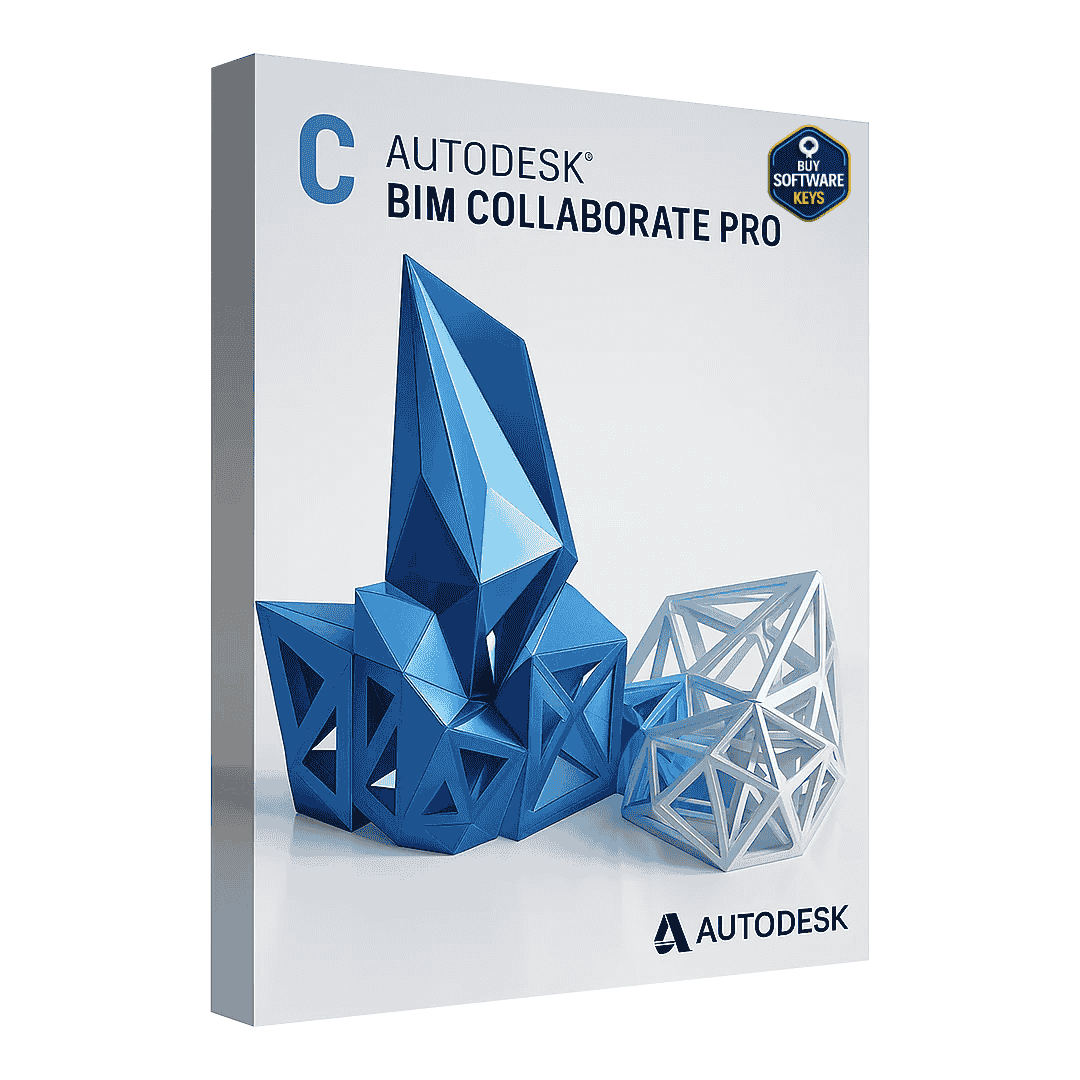


Autodesk BIM Collaborate Pro Educational Autodesk BIM Collaborate Pro Educational is a cloud-based platform designed to bring architects, engineers, and construction professionals together in one unified workspace. With advanced design collaboration, model coordination, and cloud storage tools, it helps teams deliver high-quality building information models (BIM) efficiently — anytime, anywhere. Whether you’re managing a small architectural firm or a large-scale construction project, empowers teams with real-time data sharing, improved communication, and reduced design conflicts. It’s the ultimate solution for connecting workflows, reducing project delays, and ensuring every stakeholder works from the latest information. Key Features & Benefits of Autodesk BIM Collaborate Pro Educational 1. Co-Authoring & Design Collaboration Real-time editing: Multiple users can contribute to the same model concurrently using Revit Cloud Work-sharing. Track changes, compare revisions, and manage incoming design packages from distributed teams. 2. Model Coordination & Clash Detection Automatically detect clashes in aggregated models from multiple disciplines to reduce design conflicts before construction. Convert clashes into issues, assign them, and track resolution across the team. 3. Document & Data Management Store and manage project documents, models, and deliverables in a central common data environment (CDE). Version control, access permissions, audit trails, and transparency across stakeholders. 4. Change Analytics & Project Insights Understand how changes across models impact downstream workflows. Use dashboards and reporting to track project health, issue trends, and team performance. 5. Multi-Discipline Support Works seamlessly with Revit, Civil 3D, and Plant 3D workflows. Centralized access across disciplines ensures that structural, architectural, civil, and plant teams stay aligned. Use Cases & Ideal Users BIM Managers & Project Leads – Coordinate multi-discipline design collaboration, enforce workflows, and monitor model health. Architects / Engineers / Designers – Leverage co-authoring to avoid version conflicts and manual coordination. Contractors & Construction Stakeholders – Gain early visibility into design issues and reduce rework risk. Large Distributed Teams – Works well for firms with remote branches, consultants, or global collaborators. Why Choose the Educational Edition? Full Feature Access — The educational version unlocks full co-authoring, advanced model coordination, and analytics features not available in more limited “view & share” tiers. Scalability & Flexibility — Ideal for multi-user setups where continuous design iteration is required across teams. Compliance & Licensing Stability — Educational licensing ensures guaranteed support, feature access, and compatibility with evolving Autodesk Construction Cloud offerings. Implementation & Best Practices Define project folder structure and permissions before onboarding users to prevent chaos. Use project templates to standardize workflows, naming, and issue tracking. Schedule regular clash detection runs to catch issues early. Train teams in change analytics—understanding how a small model edit may cascade. Enforce model health checks, auditing, and cleanup policies to maintain performance. System Requirements Platform & OS: Windows 10/11 (64-bit) or macOS 10.14 . Browser: Latest Chrome, Edge, Firefox, or Safari (IE not supported). Internet: Minimum 5 Mbps, Recommended 10 Mbps . CPU: 2.5 GHz multi-core minimum, 4 cores recommended. RAM: 8 GB minimum, 16 GB recommended. GPU: DirectX 11 compatible, 2 GB VRAM minimum, 4 GB recommended. Storage: SSD recommended, 10 GB free minimum. Software: Autodesk Desktop Connector, Autodesk Account; Revit/Civil 3D/Plant 3D for co-authoring. Cloud & Security: Hosted on Autodesk Construction Cloud with TLS/SSL encryption. Frequently Asked Questions (FAQs) Q1: What is Autodesk BIM Collaborate Pro used for? A: It’s used to connect design and construction teams, enabling them to collaborate in real time using cloud-based BIM models across Revit, Civil 3D, and Plant 3D. Q2: Is BIM Collaborate Pro compatible with Revit? A: Yes, it fully integrates with Autodesk Revit, allowing users to co-author Revit models directly in the cloud. Q3: Can multiple users work on the same project simultaneously? A: Yes, multiple team members can collaborate in real-time without overwriting each other’s work. Q4: Is internet required to use BIM Collaborate Pro? A: Yes, an active and stable internet connection is necessary to access cloud-hosted data and enable collaboration. Q5: Can BIM Collaborate Pro be used for remote teams? A: Absolutely. The software is designed to support distributed teams by providing secure access to shared project files from anywhere. Q6: What is the difference between BIM Collaborate and BIM Collaborate Pro? A: Includes all the features of BIM Collaborate, plus design co-authoring capabilities for Revit, Civil 3D, and Plant 3D.
Related products